
Guides for your studio workflow.

Find practical examples for client selection, gallery delivery, and studio branding.

Resource topics

Couple in traditional wedding attire walking through a palace

Workspace basics

Getting Started

Map a tool to the part of the client journey you want to improve.

  • Start with your current workflow and mark where you wait on decisions.
  • Try a sample collection to see how the selected workflow would fit your studio.
Wedding portrait of a couple in a red lehenga and sherwani

Example tutorial

Product Tutorials

Walk through a sample photo-selection and album-review sequence.
  • Prepare a small proof set with stable filenames.
  • Ask a reviewer to shortlist images, then compare the chosen filenames against the source collection.
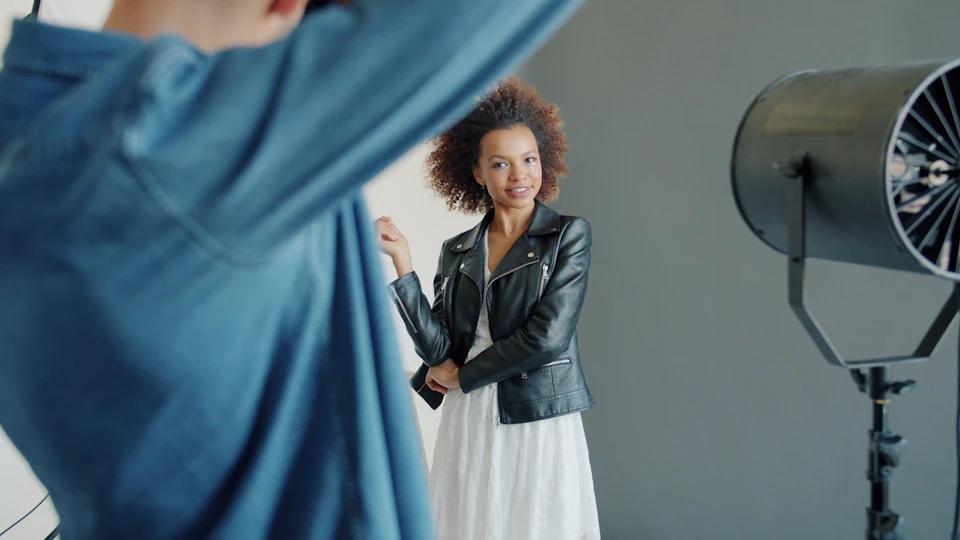
Model posing in a fashion photography studio

Studio operations

Photography Business Tips

Define the milestones that keep a project moving.
  • Write down who makes the final selection and when it is due.
  • Book a review window before promising a final delivery date.
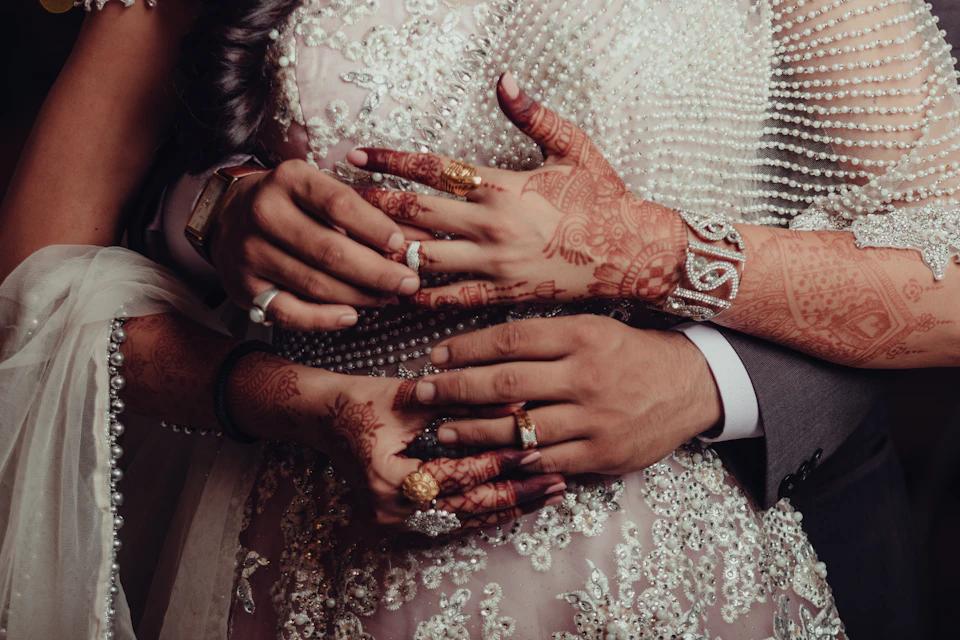
Close-up of a bride and groom embracing

Example checklist

Client Delivery Guides

Prepare an organized final gallery for your clients.
  • Check the cover crop at phone and desktop sizes.
  • Confirm which files should be available to each recipient before sharing the gallery.
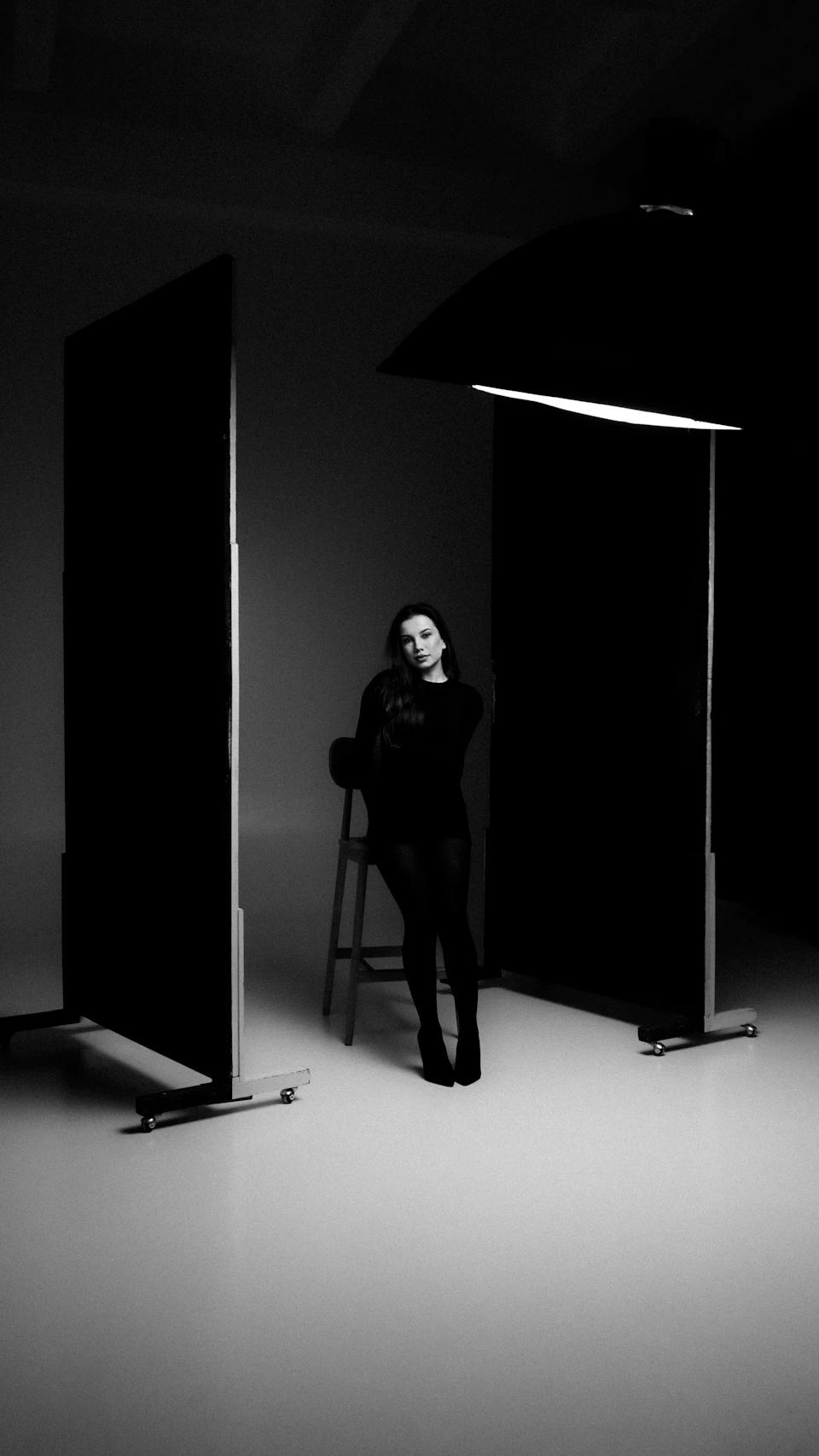
Model seated in a monochrome studio portrait

Interactive demo

Studio Branding

See how a gallery can take on the visual identity of a studio.
  • Try your studio name and a brand accent in the preview.
  • Check the contrast between your brand colour and button text.
Try the branding demo
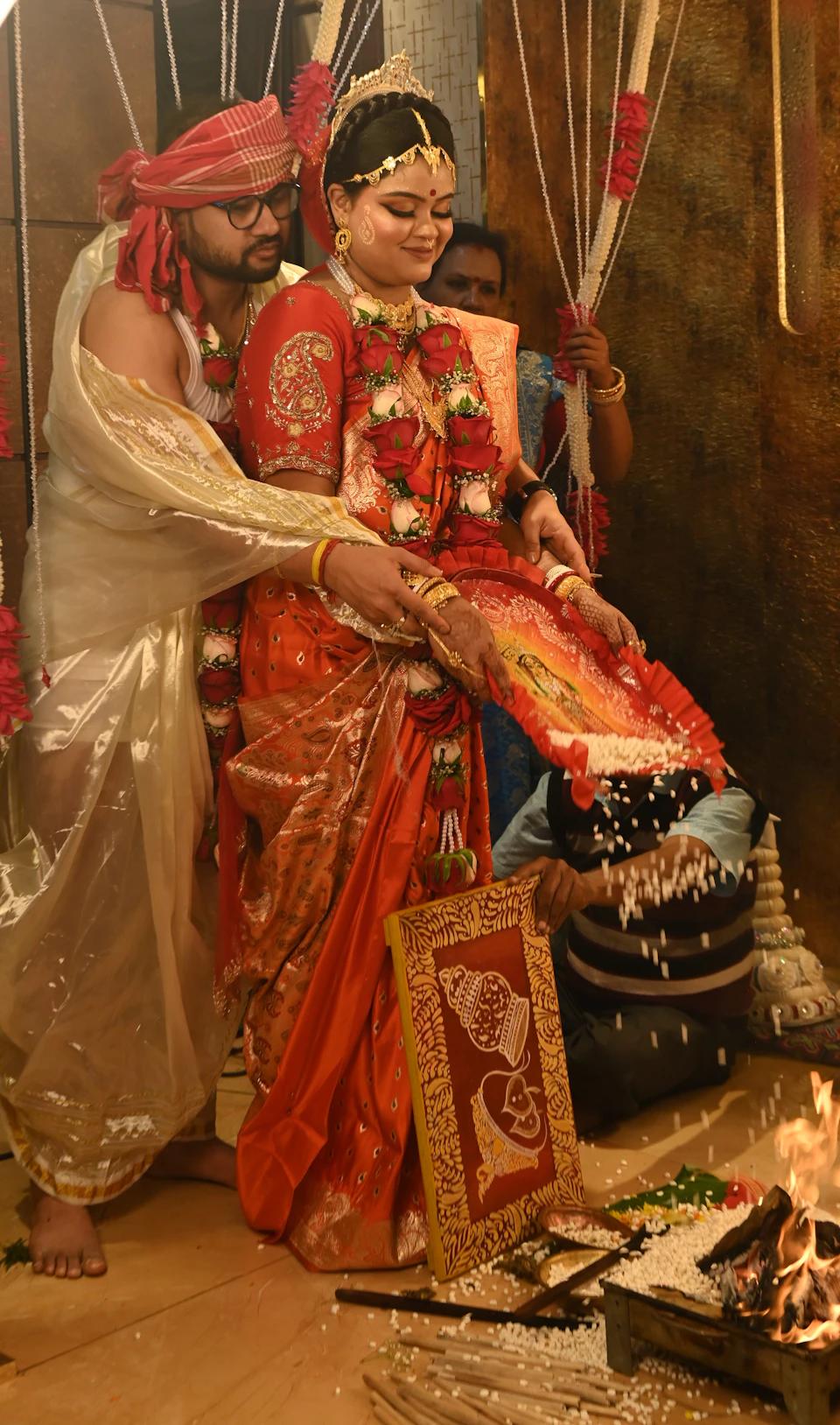
Bride and groom taking part in a wedding ritual

Availability

Product Updates

See which products exist today and which are planned.

  • Each catalogue entry displays an availability status.
  • Contact the team to confirm access, product URLs, and pricing.
Check product availability

Find the tool for your next job.

Start with client selections, album approvals, or gallery delivery.

Chat on WhatsApp